CRMPickers logoCRMPickers
ComparisonCRMSMB CRMExpert Analysis

Zoho CRM vs Pipedrive: Which CRM Fits Sales Ops vs Pipeline Adoption?

Zoho CRM and Pipedrive are both credible SMB CRM choices, but they fit different operating models. Zoho CRM is better when the CRM has to support sales operations, reporting, customization, and adjacent business workflows. Pipedrive is better when the main job is getting reps to update deals, follow next actions, and keep pipeline hygiene high without a heavy admin layer.

Quick answer: Choose Pipedrive if your CRM problem is rep adoption: a sales-led SMB needs a visual pipeline, simple activity discipline, and managers who can trust deal movement without designing a complex operating system. Choose Zoho CRM if your CRM problem is sales operations control: you need a free starting point for a tiny team, deeper customization, stronger reporting, and room to connect sales data to broader business processes. In practical terms, Pipedrive is best for pipeline execution; Zoho CRM is best when the CRM will become the system of record for more than sales stages.

Start CRM Diagnostic
Loïc Orue·Mar 31, 2026
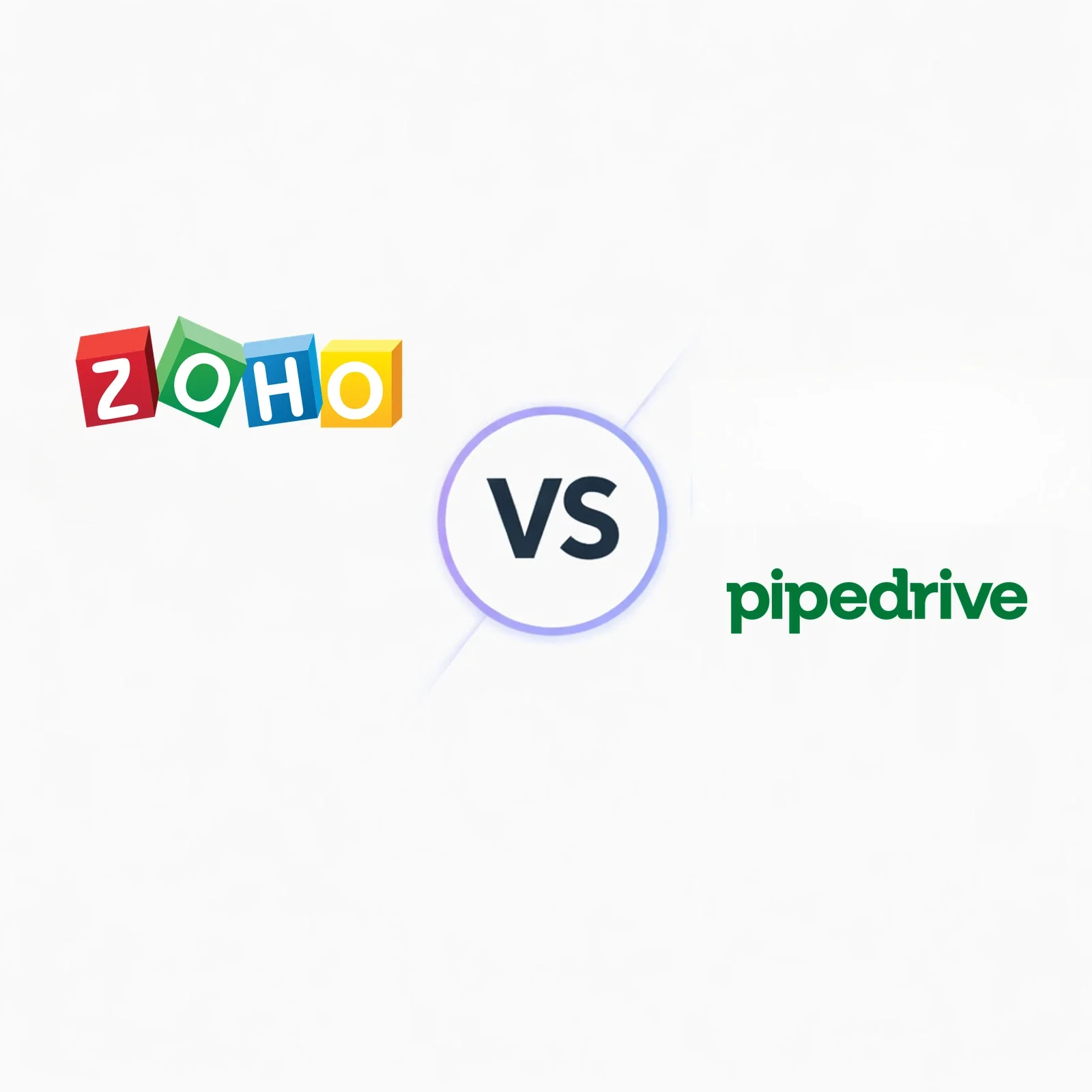
Zoho CRM vs Pipedrive comparison for SMB sales operations and pipeline adoption

Hard data

  • Zoho CRM has a normalized Free tier for up to 3 users, then annual paid tiers at $14, $23, $40, and $52 per user/month in the CRMPickers pricing dataset.
  • Pipedrive has 96 named integrations across 18 mapped categories in the CRMPickers dataset; Zoho CRM has 67 named integrations across 17 categories.
  • Zoho CRM maps to 5 core capability groups with 9 Sales Execution and 5 Platform & Extensibility matched features; Pipedrive maps to 6 groups.
  • Pipedrive has Communication & Telephony coverage in the dataset; Zoho CRM has broader admin/customization evidence and a stronger platform-control story.

Zoho CRM vs Pipedrive comparison table

Use this table to separate a rep-adoption decision from a sales-operations decision. Pipedrive is the simpler pipeline workspace; Zoho CRM is the broader operating layer.

Best fit

Zoho CRM

SMBs building a broader sales-ops system

Pipedrive

Sales-led SMBs optimizing pipeline adoption

Starting point

Zoho CRM

Free tier for up to 3 users; paid annual tiers start at $14/user/month

Pipedrive

Paid sales CRM tiers in the dataset; normalized USD prices are currently incomplete

Integration footprint

Zoho CRM

67 named integrations across 17 categories

Pipedrive

96 named integrations across 18 categories

Core capability map

Zoho CRM

5 mapped groups; stronger Platform & Extensibility and Sales Execution counts

Pipedrive

6 mapped groups; broader category coverage plus Communication & Telephony mapping

Zoho CRM is the stronger sales-ops platform

Choose Zoho CRM when sales data has to support custom fields, approval paths, reporting, territory or governance rules, and future expansion into adjacent Zoho or back-office workflows.

Pipedrive is the stronger adoption play

Choose Pipedrive when the real risk is reps ignoring the CRM. Its visual pipeline model keeps daily work closer to deal movement, next actions, and manager coaching.
Who should choose Zoho CRM vs Pipedrive?

Rocket

Who should choose Zoho CRM?

Choose Zoho CRM if the CRM has to be more than a sales board and you are willing to invest in sales-ops discipline.

  • SMBs that need custom reporting, workflow rules, and governance before the sales process gets messy
  • teams that want a free starting point for a very small group and a broader paid ladder as requirements mature
  • operators already considering Zoho apps for finance, support, campaigns, analytics, or back-office workflows
  • buyers who can name an admin owner for fields, automations, dashboards, and data quality
Target

Who should choose Pipedrive?

Choose Pipedrive if adoption risk is the real CRM risk and the sales team needs a focused daily workspace.

  • sales-led SMBs moving from spreadsheets or an underused CRM into a visual pipeline process
  • founders and sales managers who need deal movement, activity follow-up, and coaching visibility fast
  • teams that prefer a modular stack around the CRM instead of consolidating into a broader software suite
  • buyers who want reps productive quickly and can accept a narrower operating model

Pros and cons

Zoho CRM

Pros

  • free tier for up to three users in the normalized pricing dataset
  • stronger fit for custom sales-ops reporting and process control
  • better long-term option when CRM data must support adjacent workflows
  • higher Platform & Extensibility matched-feature count than Pipedrive

Cons

  • denser admin and rep experience than Pipedrive
  • requires governance to avoid over-customizing early
  • smaller named integration count than Pipedrive in the CRMPickers dataset
  • less focused if the only problem is pipeline hygiene

Pipedrive

Pros

  • excellent visual pipeline adoption model
  • 96 named integrations across 18 mapped categories in the CRMPickers dataset
  • stronger fit for sales-manager coaching and activity discipline
  • lower implementation burden for sales-led SMBs

Cons

  • no normalized free tier in the current pricing data
  • less natural as a broad customer operations platform
  • custom reporting and governance ceiling is lower than Zoho CRM for ops-heavy teams
  • add-on or adjacent-tool needs can grow when use cases move beyond sales

Pricing

The pricing decision is not just entry price. It is whether you want a broader platform ladder or a simpler paid sales workspace.

Zoho CRM is easier to justify for very small teams that want to start without budget approval: the normalized CRMPickers pricing table includes a Free tier for up to three users, then annual paid tiers at $14, $23, $40, and $52 per user per month. That ladder matters if you want to grow from basic CRM into deeper automation, reporting, and customization without switching tools.

Pipedrive is the cleaner budgeting story when the CRM job is tightly scoped to sales execution. The current local dataset has Pipedrive tier names but incomplete normalized USD amounts, so the safer buying lens is packaging, not a price-table arms race: Pipedrive is valuable when you can keep the rollout centered on pipelines, activities, email sync, and sales manager reporting.

The hidden cost differs. Zoho CRM can require more admin time because it gives you more process-design surface area. Pipedrive can require more adjacent tools if the business later asks for marketing automation, support handoff, or wider customer operations. Zoho is usually the better value when consolidation matters; Pipedrive is usually the better value when fast rep adoption is the highest-value outcome.

Zoho CRM - Zoho pricing ladder

Free to $52/user

CRMPickers maps Zoho CRM from a free three-user tier through annual paid tiers at $14, $23, $40, and $52 per user/month.

Pipedrive - Different cost risk

Admin vs add-ons

Zoho CRM can cost more in configuration time; Pipedrive can cost more later if a sales-only CRM has to stretch into broader customer operations.

Architect's note on TCO: Use the first-year budget and the six-month operating model together. The cheaper CRM is the one your team can keep clean without buying replacement tools or adding unnecessary admin work.

Ease of use

Ease of use is where Pipedrive earns its reputation. Zoho CRM is usable, but it asks the buyer to trade simplicity for configuration room.

Zoho CRM ease of use

  • Better for teams comfortable defining fields, layouts, modules, and reporting rules before rollout
  • Works well when sales operations wants one CRM to carry more business context than deal stages alone
  • Can feel dense for reps if admins expose too many modules or automate before the sales process is stable
  • Needs clearer enablement for managers who want custom dashboards, approvals, or governance rules

Pipedrive ease of use

  • Best when the adoption goal is obvious daily behavior: update deals, complete activities, and move opportunities forward
  • Visual pipeline design reduces training load for teams moving from spreadsheets or founder-led sales tracking
  • Managers get faster visibility because the product centers on deal movement rather than broad record administration
  • Less ideal when non-sales teams need the CRM to carry complex customer lifecycle context

Pipeline management

Pipeline management is Pipedrive's home field. Zoho CRM competes when pipeline is only one layer inside a broader sales-ops system.

Zoho CRM pipeline management

  • Better when pipeline stages need custom fields, scoring, approval logic, or reporting tied to broader CRM records
  • Useful for teams that want different sales motions inside one configurable CRM model
  • Stronger fit when operations owns process design and can keep layouts disciplined
  • More prone to clutter if the rollout tries to model every exception on day one

Pipedrive pipeline management

  • Better when sales managers need a clean board for deal review, activity coaching, and forecast hygiene
  • Excellent for teams that want pipeline discipline without turning CRM setup into a systems project
  • The dataset also shows Pipedrive with 96 named integrations, which helps sales teams attach common tools around the pipeline
  • Can become limiting if leadership later needs pipeline data blended with broader operations or finance context

Automation

Automation should follow the operating model. Pipedrive is stronger for sales-motion automation; Zoho CRM is stronger when workflows cross more records, rules, and teams.

Choose Zoho CRM for automation if

  • You need workflow rules that connect leads, contacts, deals, tasks, reports, and custom process fields
  • Sales operations wants more control over how handoffs, approvals, scoring, or data quality rules work
  • You expect CRM automation to connect with adjacent Zoho tools or back-office processes over time
  • You have an owner who can govern automations so flexibility does not become complexity

Choose Pipedrive for automation if

  • Your main automation needs are activity reminders, follow-up prompts, stage movement, email sync, and sales sequences
  • Managers or reps need to adjust workflows without waiting on a dedicated CRM admin
  • You want automations close to the pipeline instead of a broader process orchestration layer
  • The priority is consistent sales execution, not modeling every customer lifecycle workflow in the CRM

Reporting

Reporting is a governance question. Zoho CRM gives sales operations more modeling room; Pipedrive gives sales leaders faster deal-level visibility.

Zoho CRM reporting

  • Better for custom dashboards, operational reporting, and analysis that depends on more than deal stage movement
  • Pairs well with a sales-ops owner who can define fields and reporting rules before managers start asking for exceptions
  • The dataset maps Zoho CRM to stronger Platform & Extensibility coverage than Pipedrive, which supports the broader reporting story
  • Requires more discipline because custom reporting is only useful when data entry standards are enforced

Pipedrive reporting

  • Better for sales-manager questions: what changed, which deals are stuck, and which activities are driving movement
  • Lower-friction dashboards help smaller teams use reports weekly instead of treating them as admin output
  • Works well when the board, activities, and forecast are the main management system
  • Can feel light if executives want cross-functional reporting, custom governance, or broader operating dashboards

Integrations and API

The local dataset gives Pipedrive the larger named integration footprint, while Zoho CRM remains compelling when the buyer wants a suite-centered operating model.

Zoho CRM integrations and API

CRMPickers currently maps Zoho CRM to 67 named integrations across 17 integration categories. The more important nuance is suite fit: Zoho CRM is often strongest when the company also wants Zoho Books, Desk, Campaigns, Analytics, or other Zoho apps to share operating context. That can reduce tool sprawl, but it also means implementation decisions become platform decisions rather than simple app connections.

Pipedrive integrations and API

CRMPickers currently maps Pipedrive to 96 named integrations across 18 categories, more than Zoho CRM in this dataset. That supports Pipedrive's role as a sales workspace surrounded by familiar SMB tools. It is usually easier to keep the stack modular: plug in scheduling, calling, lead capture, email, reporting, or automation tools around the pipeline without asking Pipedrive to become the whole operating suite.

Implementation complexity

The implementation risk is not whether either product can launch. Both can. The risk is choosing the wrong admin model for the business you actually run.

Zoho CRM implementation complexity

Zoho CRM is a medium-complexity implementation. A small team can start quickly, especially on the free or lower paid tiers, but the product becomes more valuable when someone owns fields, layouts, automations, reports, and permissions. Choose it when you have process clarity or an ops-minded owner. Avoid overbuilding early, because Zoho's flexibility can create a CRM that is technically powerful but hard for reps to maintain.

Pipedrive implementation complexity

Pipedrive is low to medium complexity and safer when the business needs a visible adoption win. A focused pipeline, clear stages, required activities, and a few integrations can be live fast. The migration risk appears later if the company starts needing service workflows, complex reporting, or multi-team governance that were never part of the original sales-first model.

Evidence from the CRMPickers dataset

What the normalized dataset says

The refreshed recommendation uses CRMPickers structured data rather than generic marketplace claims.

  • Zoho CRM has a Free tier for up to 3 users and annual paid tiers at $14, $23, $40, and $52 per user/month.
  • Pipedrive has 96 named integrations across 18 mapped categories; Zoho CRM has 67 named integrations across 17 categories.
  • Zoho CRM maps to 5 core capability groups, including 9 Sales Execution matched features and 5 Platform & Extensibility matched features.
  • Pipedrive maps to 6 core capability groups, including 8 Sales Execution matched features, 4 Marketing Automation matched features, and Communication & Telephony coverage.

Zoho CRM vs Pipedrive FAQ

Is Zoho CRM or Pipedrive better for a small sales team?

Pipedrive is usually better when the small team needs a visual pipeline that reps will update consistently. Zoho CRM is better when the team also needs custom reporting, workflow control, a free starting tier for up to three users, or room to expand into broader operations.

Which CRM is safer if we do not have a dedicated admin?

Pipedrive is usually safer without a dedicated admin because the setup can stay close to stages, activities, and deal review. Zoho CRM can still work, but it benefits more from someone owning fields, dashboards, automations, and governance rules.

When does Zoho CRM beat Pipedrive despite the heavier setup?

Zoho CRM beats Pipedrive when sales data has to support more than pipeline movement: custom processes, broader reporting, adjacent Zoho apps, approval logic, or a longer-term CRM backbone for sales operations.

Quick takeaway

Final verdict

Pipedrive is the better choice for most sales-led SMB teams whose CRM success depends on rep adoption, clean pipeline movement, and low implementation drag. Zoho CRM is the better choice when the CRM is becoming a sales-operations platform with custom reporting, workflow governance, and broader business-system ambitions. Do not decide by feature count alone. Decide by operating model: Pipedrive if the team needs a sharper sales cockpit; Zoho CRM if the business needs a configurable CRM backbone.

Pipedrive for pipeline adoptionZoho CRM for sales operationsChoose by admin model

Need help deciding between sales focus and CRM breadth?

CRMPickers helps teams separate rep-adoption problems from sales-ops platform problems before the rollout creates rework.

Talk to CRMPickers

Related comparisons